Free: 3 credits every day · no sign up · no watermark

Image2Movie

Free Image to Video AI — No Sign Up, No Watermark

Image2Movie is a free image to video generator: upload a photo, describe how it should move, and get a short MP4 clip back. No sign up, no email and no watermark on free downloads.

or drag & drop · JPG, PNG, WebP · up to 20 MB

Optional

Kling 2.5 Turbo Standard · 5-second clip uses 1 of your 3 free daily credits · 720p

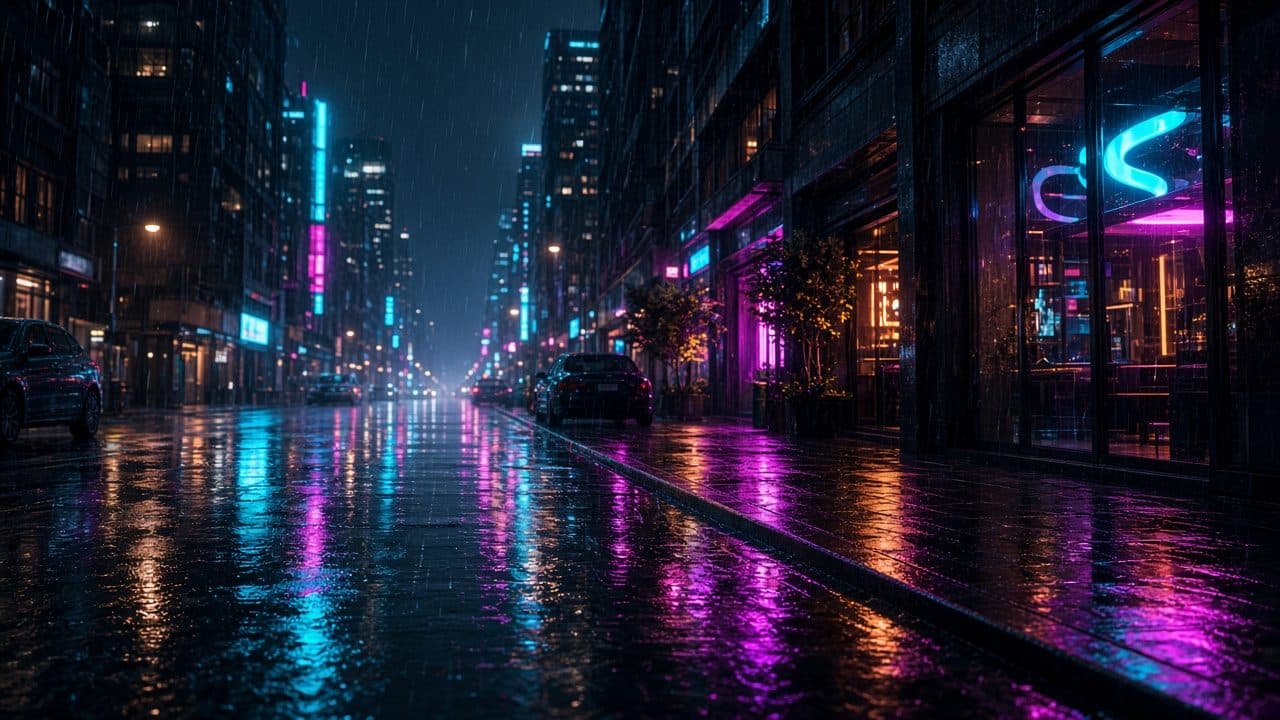
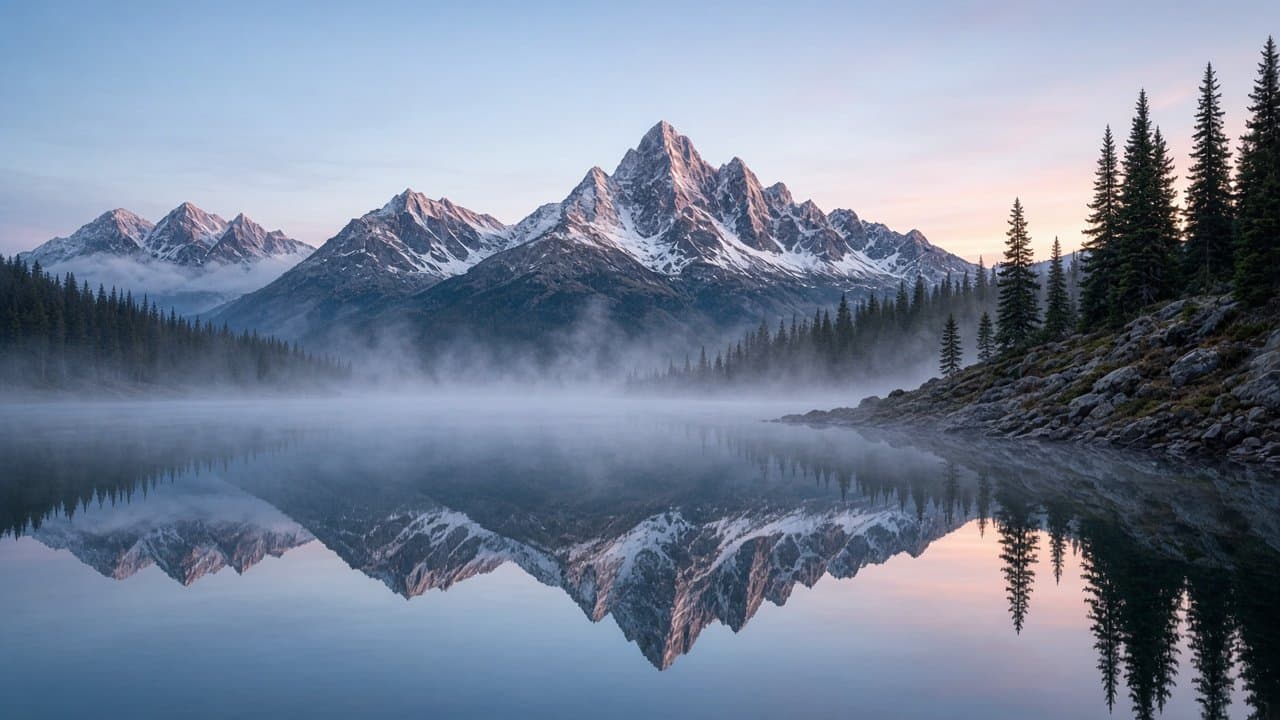
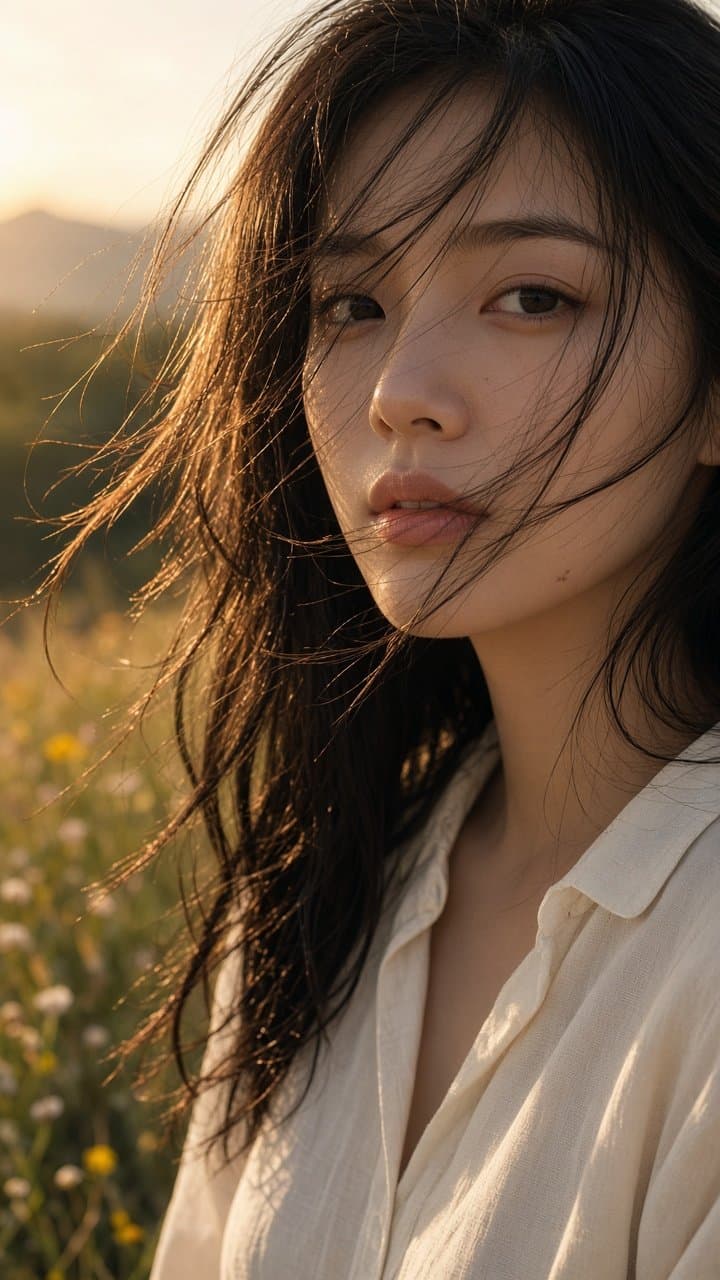
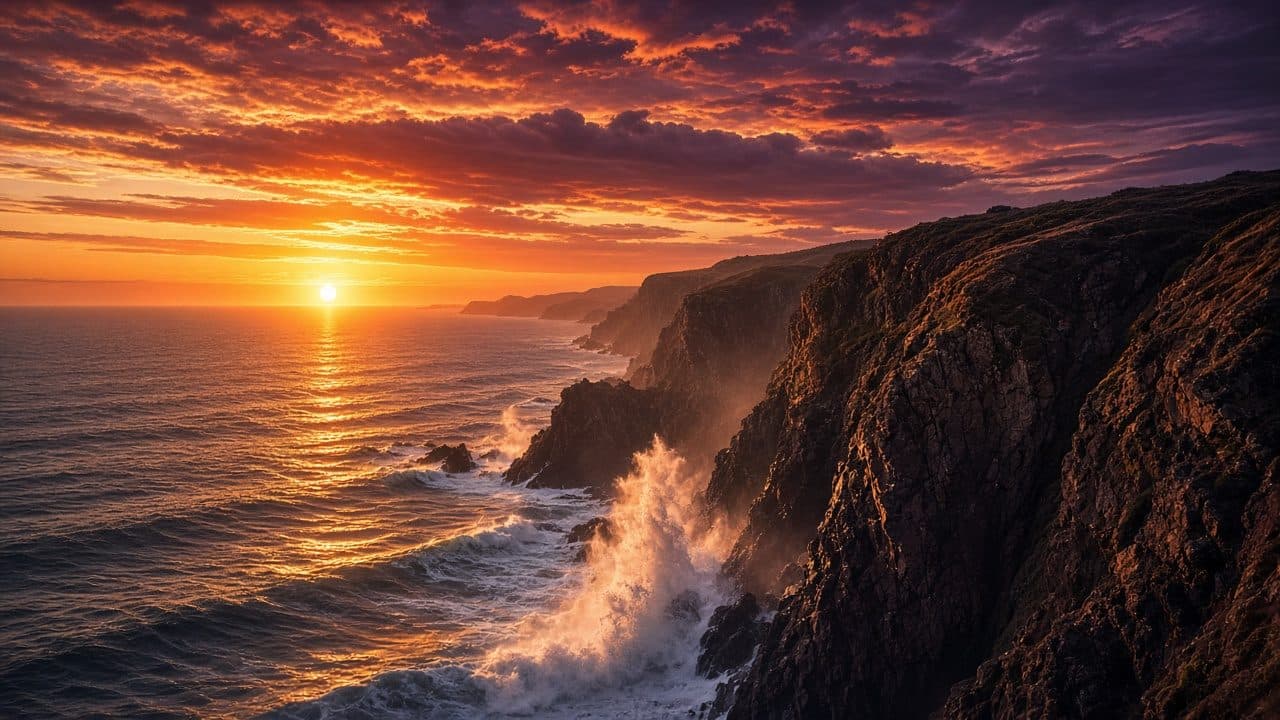
Image to video examples

Each clip starts from a single still photo and a one-line motion prompt. Hover or tap a tile to play it.

What is an image to video AI?

An image to video AI takes one still picture and predicts how the scene would move over a few seconds. Instead of stitching photos into a slideshow, the model generates every new frame itself: hair lifts in the breeze, water ripples, clouds drift and the camera glides through the shot, while the people, products and places from your photo stay recognisable.

Image2Movie puts that technology in a single page. You upload a photo, optionally write a sentence about the motion you want, choose a model, a length and an aspect ratio, and press Generate. The video is rendered on dedicated GPU models and comes back as an MP4 you can post to Reels, Shorts, TikTok or a product page.

It works best with clear, well-lit images and simple, concrete prompts. Portraits, landscapes, pets, food, architecture and product shots are all good starting points. Old family photos can be brought to life too — just make sure you have the right to use any image you upload. There is no account to create and no software to install, so you can go from a photo on your phone to a moving clip in a couple of minutes.
Key features

Motion styles that look filmed

Ask for a slow push-in, a pan, an orbit or a handheld feel, and combine it with subject motion like hair in the wind, rippling water or a turning head. The models keep faces and products consistent from the first frame to the last.

Image + text, together

Your photo fixes what the scene looks like; your words decide what happens in it. Use both for precise results, or skip the prompt and let the model choose natural, subtle motion for you.

No watermark, free or paid

We never stamp a logo on your clip. Free downloads are clean MP4 files, and paid plans will be clean too — paying is about how much you create, not about removing a watermark.

Fast, transparent generation

Most clips render in one to three minutes on dedicated video models. You see your queue position and elapsed time while you wait, and you can leave the page and come back for the result.

How it works — no sign up needed

  1. 1

    Upload

    Choose a JPG, PNG or WebP photo — portraits, landscapes, products and pets all work.

  2. 2

    Describe the motion

    Type what should move and how the camera moves, or leave it blank.

  3. 3

    Generate & download

    Press Generate, wait a minute or two, then download your MP4.

Have a particular result in mind? See all the AI photo effects, or read a single guide: animating old photos, turning a photo into a dance clip, making any photo move and AI age progression.

Pricing

Image2Movie is free to use today. Paid plans for heavier use are in the works and will be announced on this page — there is nothing to buy yet.

Free

$0

3 credits per day, no sign up, no watermark

Credits per clip
ModelLengthCredits
Kling 2.5 Turbo Standard5 sec1
Kling 2.5 Turbo Standard10 sec2
MiniMax Hailuo 026 sec1
MiniMax Hailuo 0210 sec2

Paid plans

Coming later

For creators who need more than the daily free credits. Prices have not been set, and we will not ask for payment until they are published here. Paid videos will be watermark-free, just like free ones.

Frequently asked questions

Do I need an account to use Image2Movie?

No. Image2Movie is an image to video AI with no sign up: open the page, upload a photo and press Generate. We never ask for an email address, a password or a social login to make a free video.

Is it really free?

Yes. Every visitor gets 3 free credits per day, and a short clip costs 1 credit — enough to try the tool properly before deciding whether you will ever need more. Free downloads have no watermark. Paid plans for heavier use are planned but not on sale yet.

Which image formats are supported?

JPG, PNG and WebP files up to 20 MB, at least 300 pixels on each side. Before uploading, your browser resizes the image to at most 1920 pixels on the long edge and strips EXIF metadata such as GPS location. iPhone HEIC photos need to be exported as JPG first.

How long does it take to generate a video?

Most videos are ready in one to three minutes. When the model is busy, the queue can make it longer; the tool shows your queue position and elapsed time, and keeps checking for up to 10 minutes. Everyone shares the same queue, so there is no priority lane yet.

Are my images stored?

Image2Movie does not keep your photos on its own servers. Your image is sent to our video model provider (currently fal.ai) only to render your clip, and the provider handles it under its own retention policy. The finished video link is temporary, so download it once it is ready. We do not use your uploads to train models. Because there are no accounts, your files are never linked to a profile.

Can I use the videos commercially?

Generally yes, as long as you own the source image or have the rights to use it. You are responsible for what you upload, so do not animate other people’s photos, logos or likeness without permission, and check the license of the model you picked for any extra conditions. Turning a photo into a video does not change who owns the original: you do.

Do I need prompt-writing skills?

No. The prompt box is optional — leave it blank and the model adds natural, subtle motion with a slow camera push-in. If you want more control, describe what moves and how the camera moves, for example “waves roll in, camera pans left”. Short and concrete beats long and poetic.

How long are the videos?

Clips are 5, 6 or 10 seconds long: Kling 2.5 Turbo Standard makes 5 or 10 second clips and MiniMax Hailuo 02 makes 6 or 10 second clips. A short clip costs 1 credit and a 10-second clip costs 2. The same lengths are available to everyone, free or paid.

What resolution are the videos?

Kling 2.5 Turbo Standard renders at 720p and MiniMax Hailuo 02 renders at 768p, delivered as a silent MP4 that plays on any phone or browser. Your photo is resized to 1920 pixels on the long edge before upload, which is more detail than the model needs. The output size is set by the model, and we show it next to the Generate button so there are no surprises.

Can I close the page while my video is generating?

Yes. Once you press Generate, the video renders on the model provider’s servers, not in your browser tab. Come back on the same browser within an hour and the tool offers to pick it up. If you clear your browser data or switch devices, the link to that job is lost, because without an account there is nowhere else to save it.

Which aspect ratios can I choose?

Original, 16:9 landscape, 9:16 vertical for Reels, Shorts and TikTok, and 1:1 square. Original keeps your photo’s framing; the other options center-crop the image in your browser before upload, and the thumbnail shows the crop. Pick the ratio closest to your photo for the best result.

How do paid plans relate to watermarks?

They don’t: watermarks are not how we separate free and paid. Free downloads have no watermark, and paid downloads will not have one either. Paid plans, which are not on sale yet, are meant for volume — more credits per day for people who create a lot. The free tier, with no sign up, will stay available alongside them.